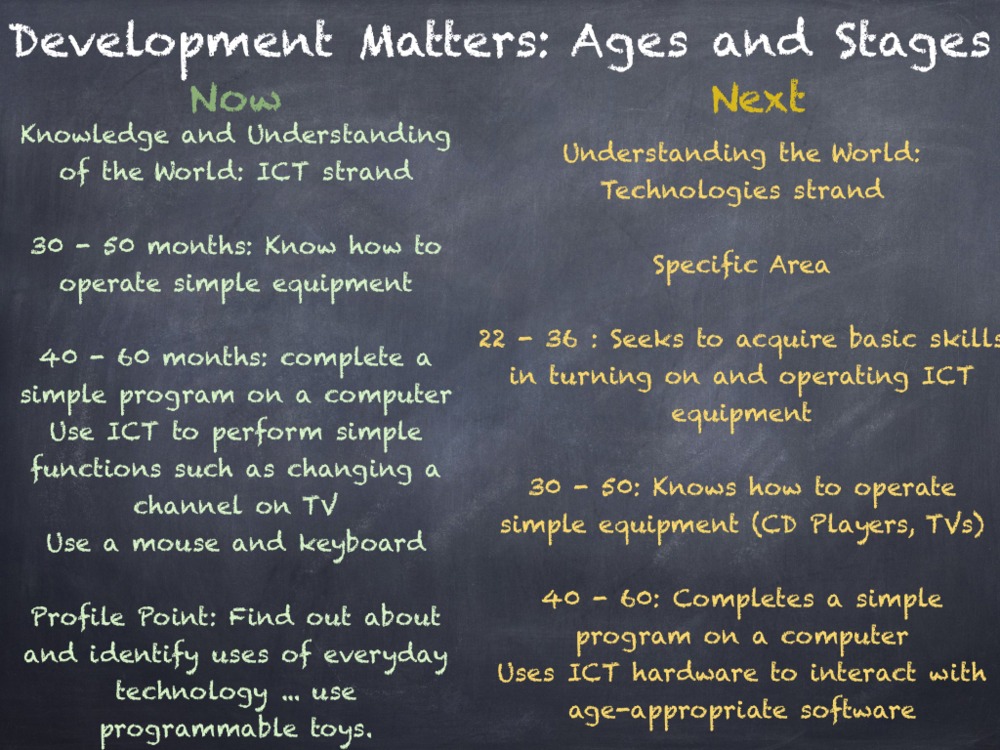
The new EYFS is on the way in September and the Development Matters document is bringing exciting changes across all of areas of learning, but for me, the greatest acknowledgement is in the Technology strand of ‘Understanding the World’.
During the Summer Term I have been working in a variety of counties discussing my use of iPad and how I believe this tool has a strong place within the new Technologies strand.So what is happening in Development Matters?
Creating Content
It seems that the use of a BeeBot, or other programmable toys, is now part of a much wider vision for ICT learning and assessment. The emphasis on using technology in the new curriculum is on children creating their own content. This content creation is embedded in the other areas of learning, using technology to enhance communication, language, arts, maths and literacy. Therefore, the skills of the specific area of learning ‘Understanding the World’ can be practised through prime area strands such as speaking, listening and social development.
By using an app like Puppet Pals, children are creating and saving their own content on iPad but are also working in a group, taking turns and talking about the story they are retelling.
Age Approriate Software and Hardware
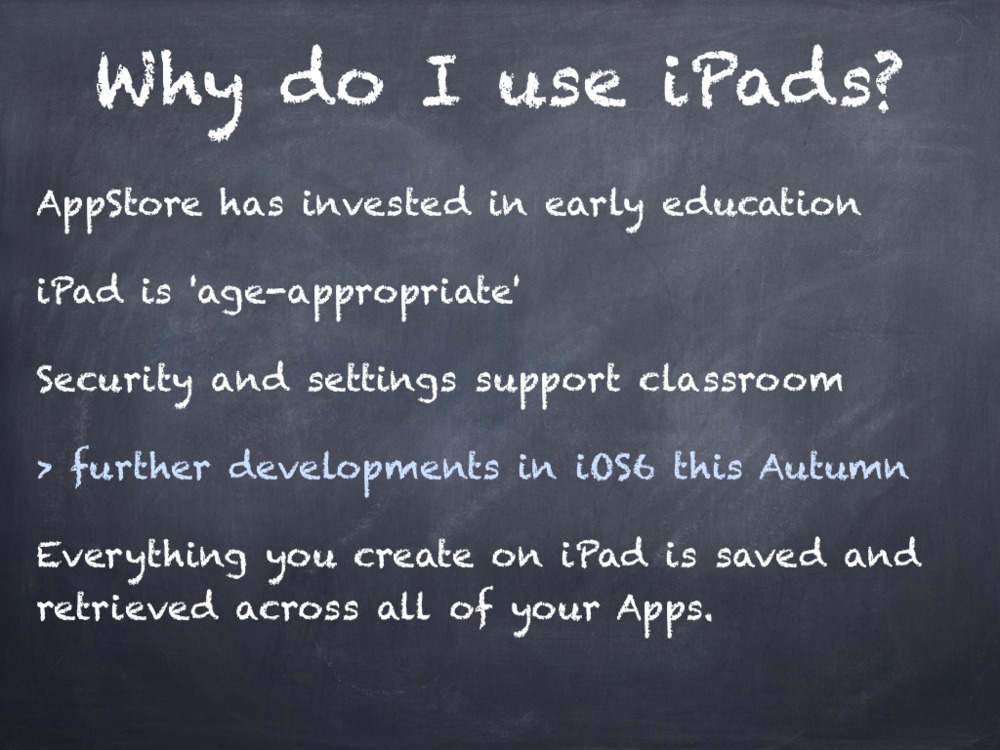
The new strand also mentions the need for selecting age appropriate ICT devices. Many settings and schools use NetBooks, PCs and/or ICT Suites but more settings are turning to mobile devices as age-appropriate solutions. The iPad is an age appropriate device as it promotes sharing and group work as several children can work around one device. It’s touch screen access means that children interact directly with the software and they are learning how to get a response from an animation or display on screen by touching exactly what they want. The fewer transition points in an activity, the faster the pace of learning. With a mouse or keyboard, children need to look down at them and then back up at the screen, this can cause some confusion depending on the task! They do need to learn these skills, but we need to be selective in when this is appropriate to the task at hand. What do we want the children to do when learning a story? I want them to retell the story. How am I going to do? Story maps, story walks, role play masks and costumes, small world play and now, Puppet Pals App can retell the story digitally. My proudest moment came from this app this year,
where 3 children retold The Gruffalo using this App, a skill I was waiting to see from them.
iPad, compared to other tablets and devices, looks age appropriate in the layout and organisation. iPad doesn’t have any menus, minimising features, exit crosses, dates, times, calendars etc on the home screen. Therefore children look for the software they want using the large icons.
The security settings also allow children to access the apps which are appropriate to them, and apps like a web browser, AppStore, iTunes can be disabled for classroom use. The latest version of iOS brings Guided Access in the Accessibility settings. This means that in an early years setting, the teacher can set Guided Access so that one particular app is used in that session, and at other times can have free choice of what apps to use.
Final Thoughts
The new technologies strand is still very limited in what you are assessing, and this is probably is probably due to the digital divide between settings and homes. With an upcoming review of the National Curriculum, it may be useful to look at skills that can be taught in Year 1 and bring these in to planning for the foundation stage too.
Download Now:
 Enabling Environments: A Computing Curriculum Beginning in Early Years
This book has been written for the Early Years practitioner or Computing Coordinator of a school looking to further embed the use of technology in their Foundation 1 and Foundation 2 settings. Marc Faulder, an Early Years teacher and Apple Distinguished Educator, provides a complete skills curriculum from 30 months to the Early Learning Goal in this book. Chapters introduce a skills curriculum, the assessment and progression of the skills and a thorough planning document to show how technology enhances learning in all Early Learning Goals.




 Enabling Environments